Browser extension
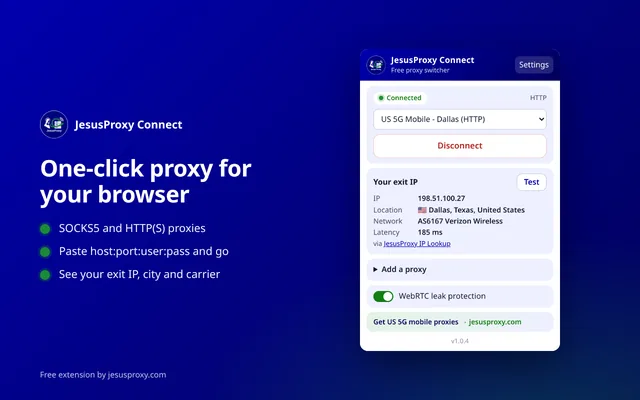
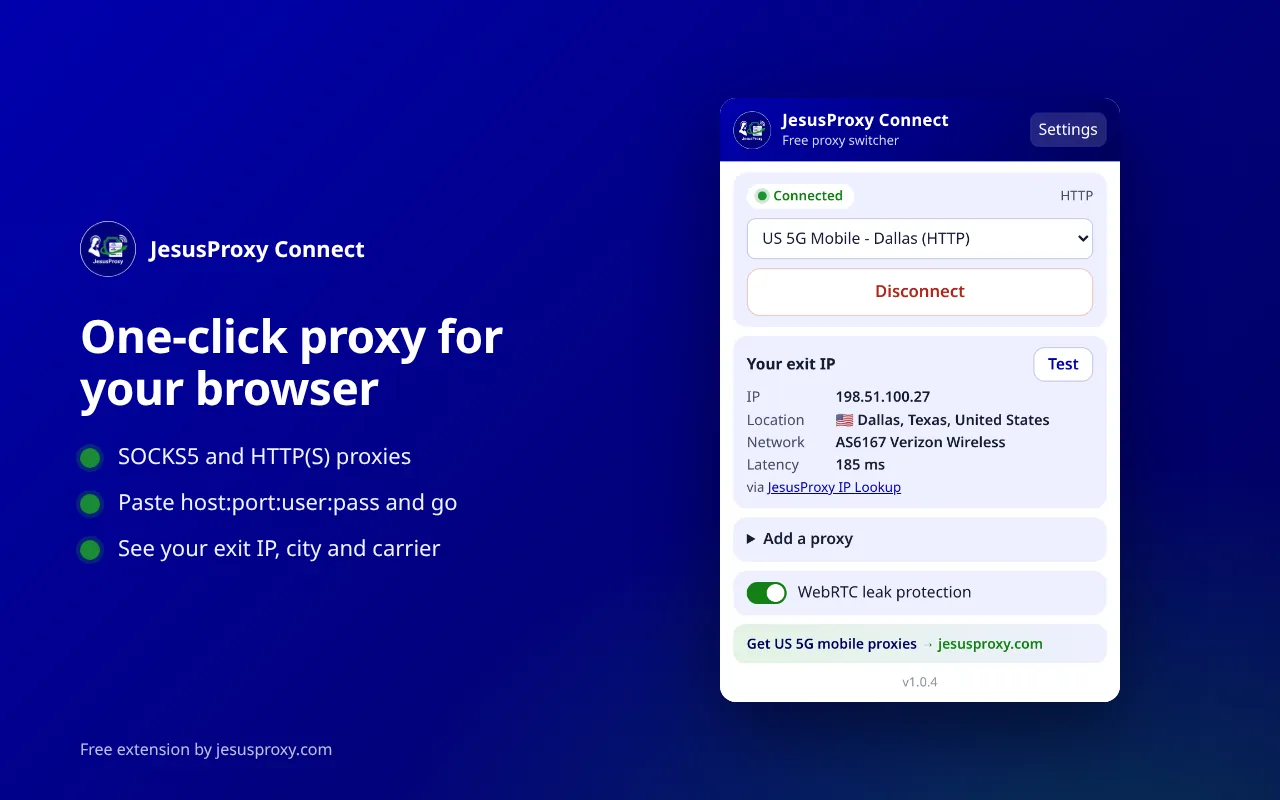
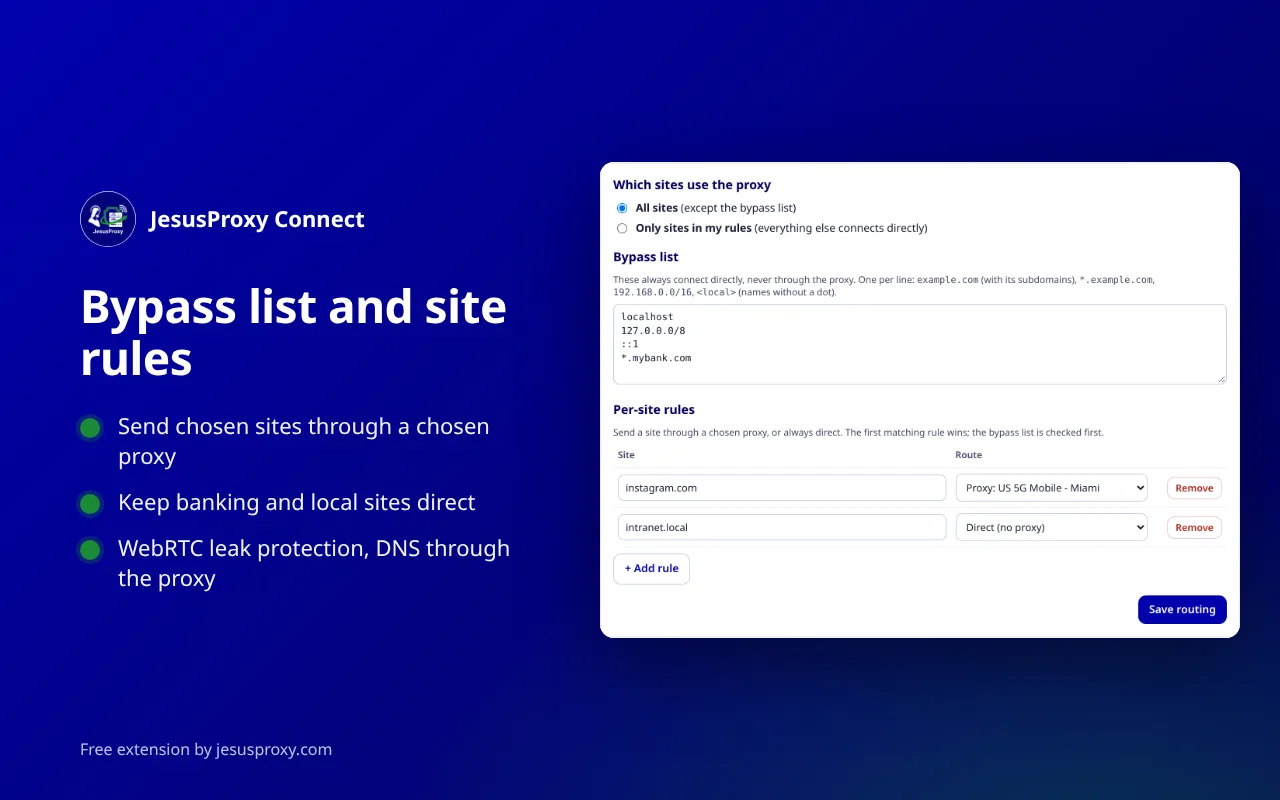
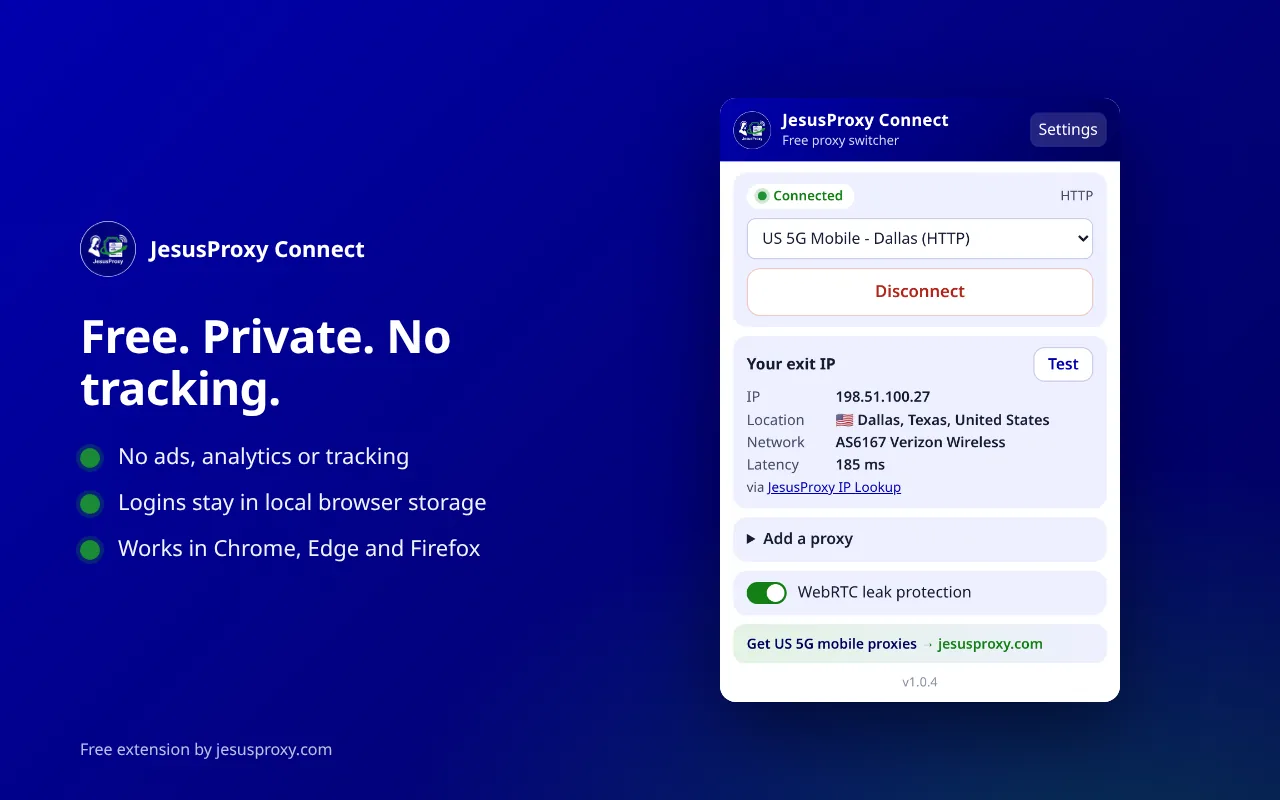
One-click proxy switcher with exit IP check, per-site rules, bypass list and WebRTC leak protection.
Connect your browser or Android phone to an HTTP or SOCKS5 proxy in one click and see your exit IP right away. Free, no account, no ads and no tracking, and it works with proxies from any provider, not only JesusProxy.
Three free tools, one simple idea: paste your proxy, press Connect, check the exit IP.
One-click proxy switcher with exit IP check, per-site rules, bypass list and WebRTC leak protection.
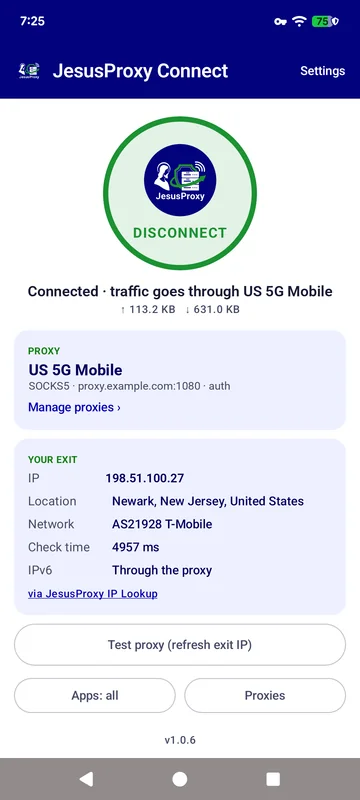
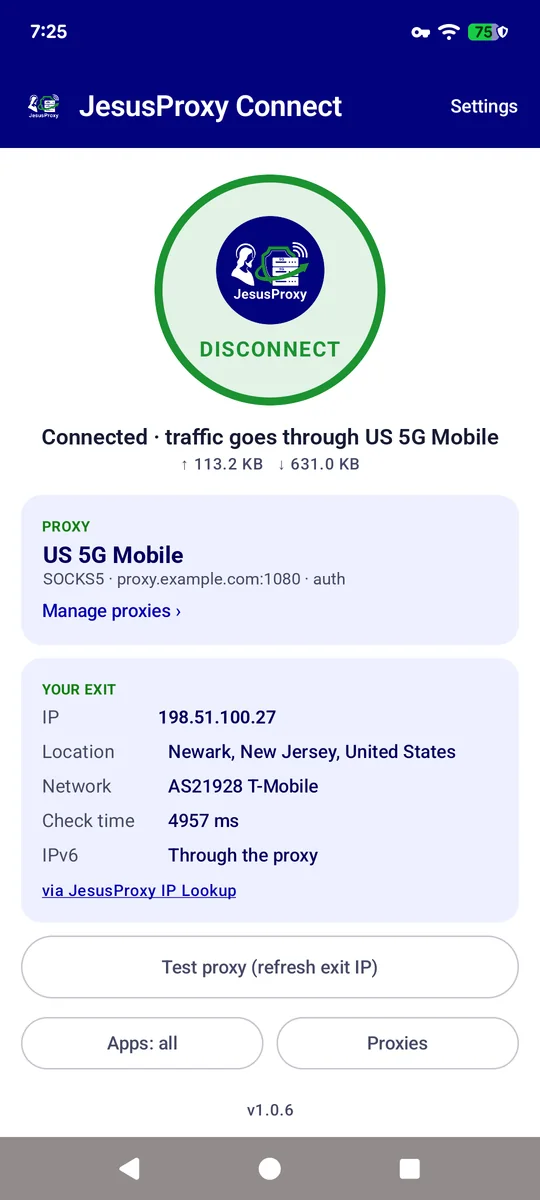
Sends the whole phone, or only the apps you choose, through your proxy. DNS goes through the proxy too.
Lets Chrome and Edge use SOCKS5 proxies with a username and password. Firefox doesn't need it.
JesusProxy Connect for Google Chrome, Microsoft Edge and Mozilla Firefox. Version 1.0.4.
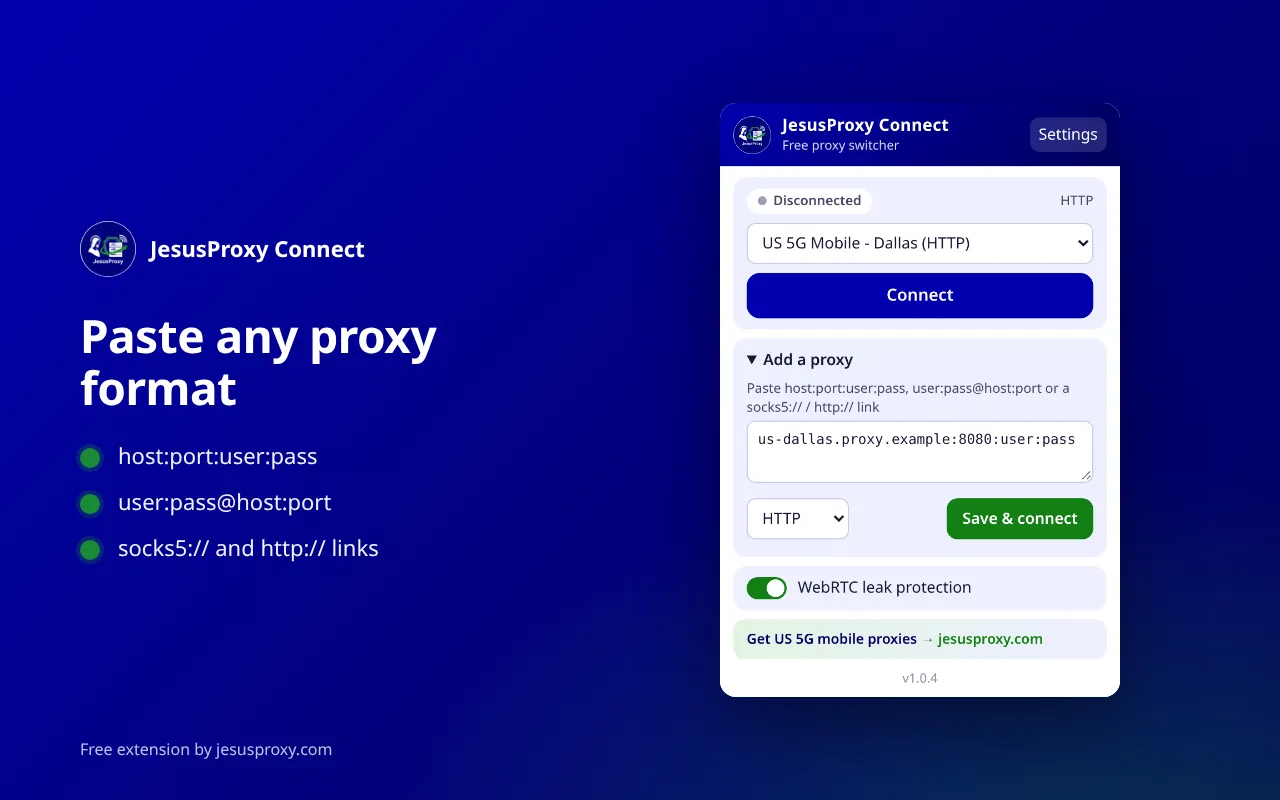
host:port:user:pass or a socks5:// link.chrome://extensions in Chrome or edge://extensions in Edge.manifest.json).The browser may remind you that a developer-mode extension is installed. That's normal for extensions installed outside the store. To update later, unzip the new version into the same folder and click Reload on the extension card.
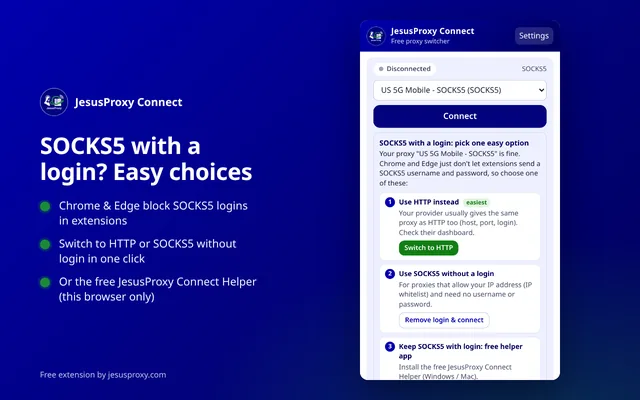
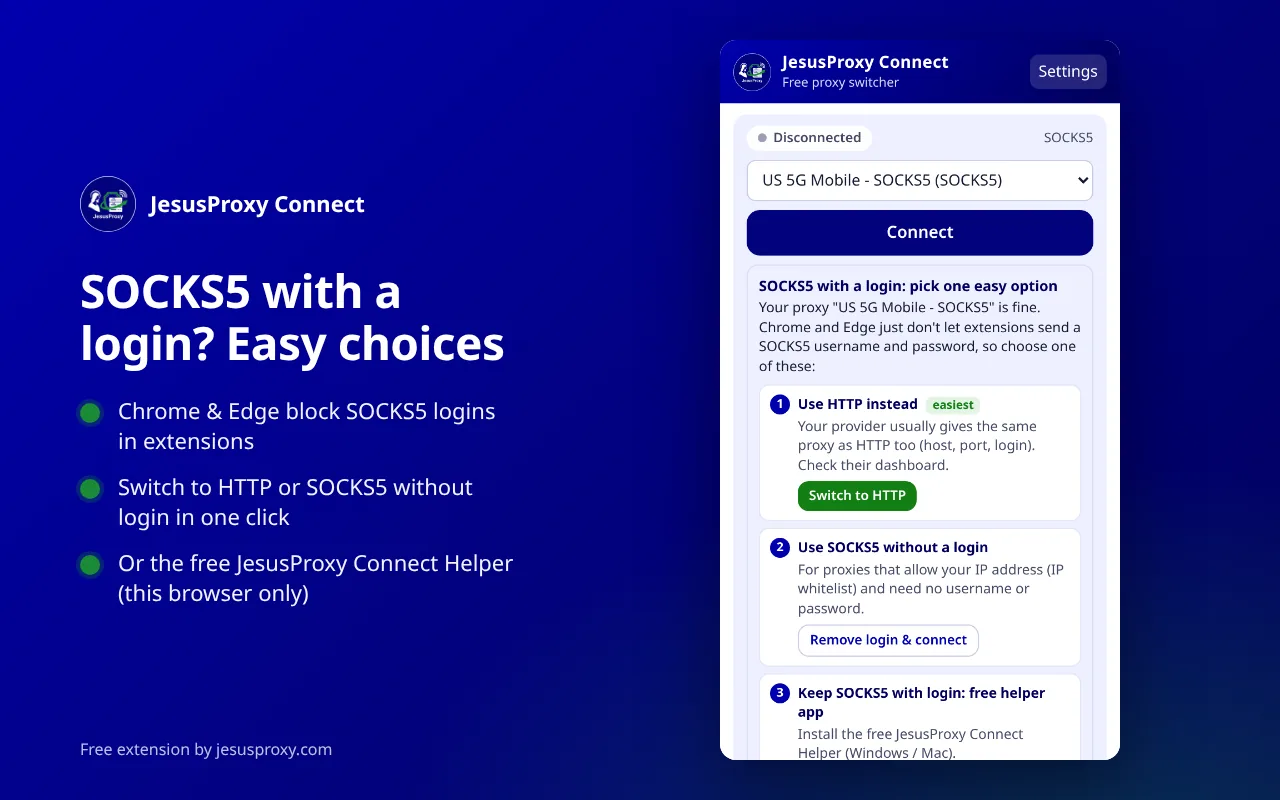
about:debugging#/runtime/this-firefox and click Load Temporary Add-on, then choose the XPI file.SOCKS5 with a username and password? Firefox handles it directly. Chrome and Edge don't let extensions send a SOCKS5 login, so the extension offers three easy choices: use the HTTP version of the proxy, a SOCKS5 proxy without a login, or the free Connect Helper.
JesusProxy Connect for Android phones and tablets. Version 1.0.6, Android 7.0 or later.
After installing you can turn Allow from this source off again. Updates: install a newer APK from this page over the old one; your proxies are kept.
SHA-256 (APK): 231f7a67d98e12a6e9de6f9f954df2aba152b99fd81eb80af7e1718d2c96075e
Signing certificate SHA-256: 5d0a67100b334c4bb9d56a4ca0ec21c14c90058539672a3c5c88ce07da393f91
For Chrome and Edge users who need a SOCKS5 proxy with a username and password.
Chrome and Edge don't let extensions send a SOCKS5 login. The free helper for Windows and Mac does it for them: it runs only on your computer (127.0.0.1), only accepts connections from the JesusProxy Connect extension, carries only that browser's traffic and never changes your system proxy settings. It stores no passwords and you can uninstall it anytime.
Prefer not to install anything? Use the HTTP version of your proxy or a SOCKS5 proxy without a login; the extension switches with one click. On Firefox you never need the helper.
JesusProxy runs US 5G mobile proxies on real carrier IPs, with HTTP and SOCKS5, IP rotation by link or API, and private or shared plans.
Yes. The browser extension, the Android app and the Connect Helper are free, with no account, no ads and no tracking. You do not need a JesusProxy plan to use them.
Yes. They work with any HTTP or SOCKS5 proxy, from any provider or your own server. Paste host, port, username and password (or a line like host:port:user:pass) and connect.
The store listings are on the way. Until then you can download the same builds here, with SHA-256 checksums so you can check each file.
Chrome and Edge do not let extensions send a SOCKS5 username and password. You can use the HTTP version of the proxy, a SOCKS5 proxy without a login, or the free Connect Helper. Firefox handles SOCKS5 logins on its own.
Only on your own device: in the browser's local extension storage, or encrypted in the Android app's private storage. They are never sent to JesusProxy.